
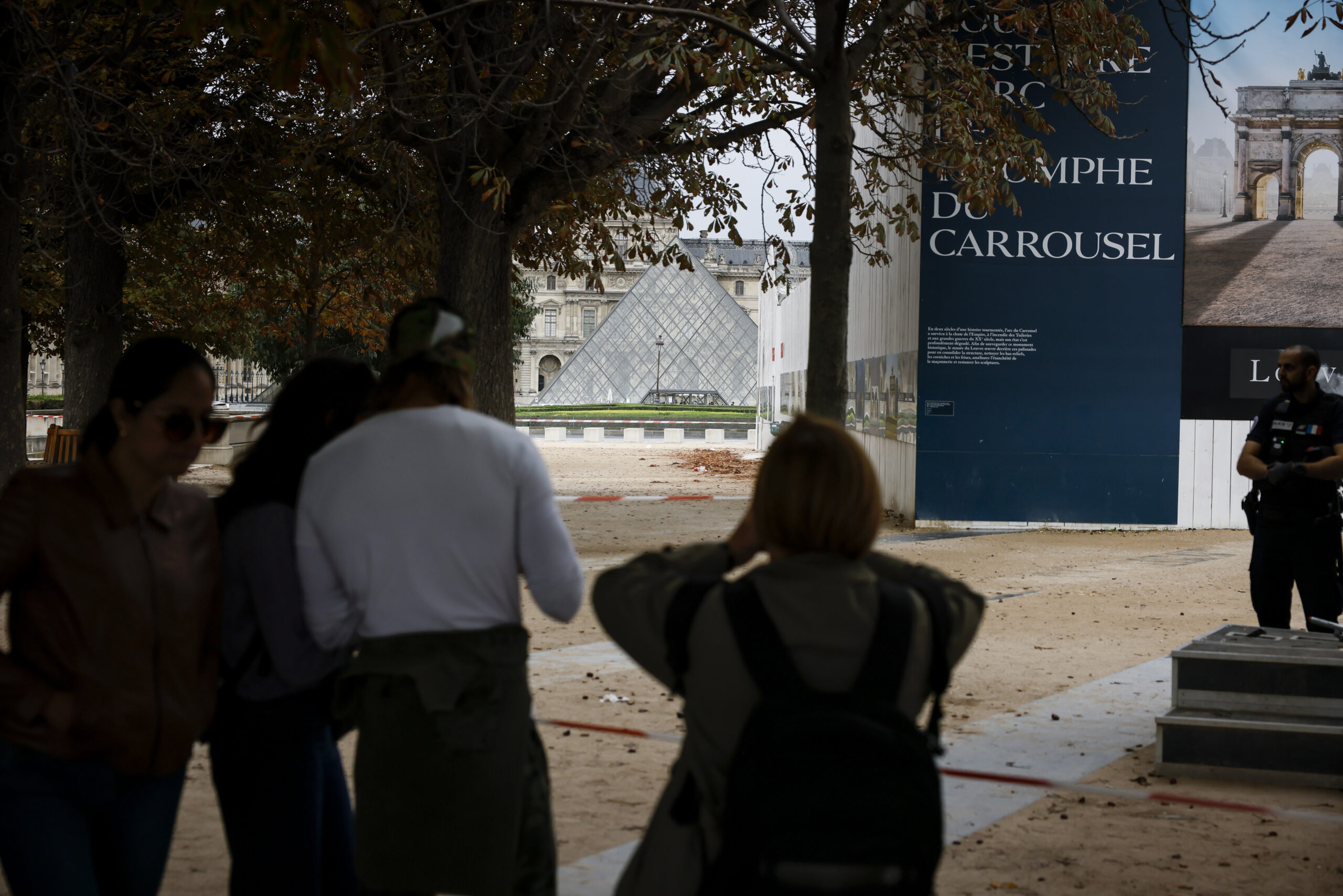
When thieves stole $100 million in jewels from the world-famous Louvre Museum in Paris, France, they shocked the art world and revealed a serious digital weakness. French media reports say the museum once used its own name, Louvre, as a password for its surveillance system.
That detail may sound unbelievable, yet it highlights how often people still rely on weak passwords even in high-security places that should know better.
Sign up for my FREE CyberGuy Report
Get my best tech tips, urgent security alerts, and exclusive deals delivered straight to your inbox. Plus, you’ll get instant access to my Ultimate Scam Survival Guide — free when you join my CYBERGUY.COM newsletter
A decade-old French cybersecurity audit reportedly showed troubling gaps in the museum’s defenses. The Louvre is said to have once run outdated Windows Server 2003 software and had unguarded rooftop access, something eerily similar to how the recent thieves used an electric ladder to reach a balcony.
The biggest mistake? Using “Louvre” and “Thales” as passwords. One of them was even said to be visible on the login screen. That was like leaving the keys under the doormat of the world’s most famous museum.
CyberGuy reached out to the Louvre for comment, but did not receive a response before our deadline.
And while the Louvre may have tightened security since then, experts warn that password habits like these are still widespread among businesses and individuals.
You might not have priceless jewels to protect, but your personal data, financial info and digital identity are just as valuable to hackers. With the holiday shopping season here, cybercriminals ramp up their attacks, knowing millions of you are logging in, buying online and often reusing old passwords.
Protecting yourself online doesn’t have to be complicated. Follow these tips to boost your defenses:
Think beyond your phone or laptop. Your Wi-Fi router, smart home devices and even security cameras all have passwords that need attention.
If keeping up with dozens of unique passwords sounds overwhelming, a password manager can help. These tools generate strong, unique, complex passwords for every account and store them securely in one encrypted vault. This reduces the risk of password reuse. Many password managers also alert you to compromised passwords or sites hit by data leaks.
Next, see if your email has been exposed in past breaches. Our No. 1 password manager (see Cyberguy.com) pick includes a built-in breach scanner that checks whether your email address or passwords have appeared in known leaks. If you discover a match, immediately change any reused passwords and secure those accounts with new, unique credentials.
Check out the best expert-reviewed password managers of 2025 at Cyberguy.com
The Louvre’s massive heist shows that even the most respected institutions can make simple cybersecurity mistakes. You can learn from their example by strengthening your own passwords and taking digital safety seriously. Start by creating unique, complex passwords for every account and consider using a password manager to keep them secure and organized. A few minutes of effort today can protect you from financial loss, identity theft or worse.
Have you ever spotted a weak password or security risk that made you shake your head? Let us know by writing to us at Cyberguy.com
Sign up for my FREE CyberGuy Report
Get my best tech tips, urgent security alerts, and exclusive deals delivered straight to your inbox. Plus, you’ll get instant access to my Ultimate Scam Survival Guide — free when you join my CYBERGUY.COM newsletter
Copyright 2025 CyberGuy.com. All rights reserved.
